IPTV Free Trial: How to Test a Service Properly in 24 Hours
A free IPTV trial is only useful if you test the right things at the right time. The 24-hour plan we give every trial customer: what to check, when to check it, and the…
Short answer
A good IPTV free trial is the full service on the same servers, for 24 hours, with no card required. To get one from TrendyScreen, message us on WhatsApp and ask for the trial; the login arrives in minutes. Then use the 24 hours properly: install the app on the TV you will really use, log in with Xtream Codes, check your own channels, and above all watch a live event at your busiest evening hour — that is when a weak provider shows itself.
Most people waste their trial. They flick through the channel list at three in the afternoon, see that things play, and buy. Then Saturday night arrives and the match freezes. This is the checklist we wish every trial customer used — including on us.
What a Real IPTV Trial Looks Like
- The full library. All channels, films and series — not a demo list of twenty channels.
- The same servers paying customers use. A trial on a separate, empty server proves nothing about peak hours.
- No card and no automatic charge. If a “free” trial needs payment details, check carefully what happens when it ends.
- Long enough to include an evening. 24 hours is enough if you start it at the right time. Starting at night means your one evening test happens tomorrow, when the line is already ending.
TrendyScreen’s trial ticks all four: 24 hours, the full service, the production servers, no card, requested on WhatsApp. Two other things a provider should be happy to show you before you pay: a public price list (ours is on the pricing page) and a browsable channel list.
How to Get the TrendyScreen Free Trial
- Message us on WhatsApp from the button on any page and ask for the 24-hour trial. Say which device you will use, so we send the right setup steps.
- Receive your login — Xtream Codes details and an M3U link, usually within minutes.
- Install a player app. On a Firestick, follow how to install IPTV Smarters Pro on Firestick; on a computer, VLC plays the M3U link in a minute.
- Start the clock in the afternoon, so the evening falls inside your 24 hours.
The 24-Hour Test Plan
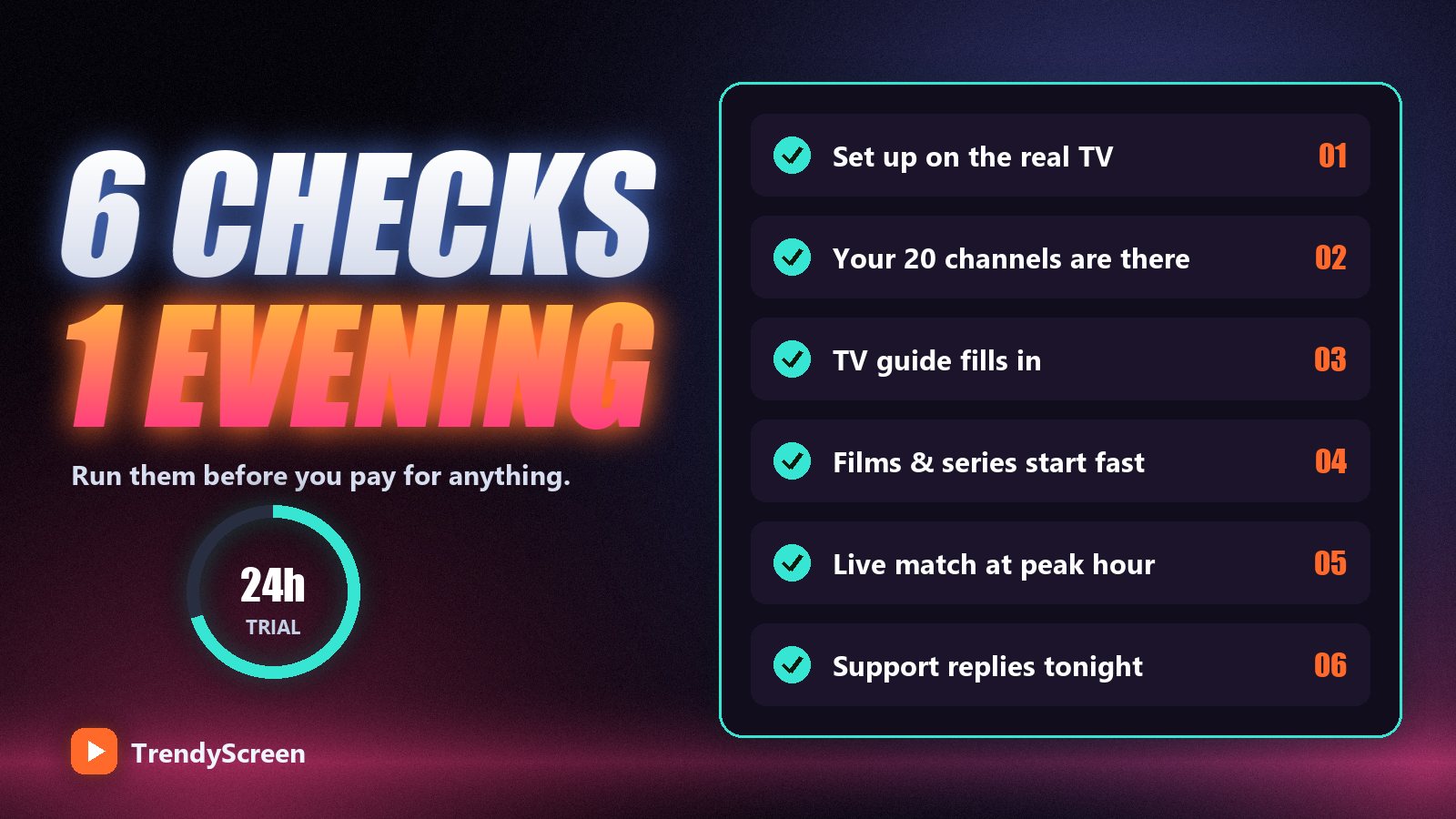
- Hour 0 — set up on the real TV. Not your phone. Use the television and the device you will watch on every day, on the network connection it will always use.
- Hour 0 — check your twenty channels. Write down the channels you actually watch and find each one. A big channel count means nothing if your three sports channels are missing.
- Hour 1 — check the guide. The TV guide should fill in for your main channels. If it is empty, read what EPG is and how to fix it — and log in with Xtream Codes rather than M3U.
- Hour 1 — test films and series. Start a film, skip to the middle, then start an episode of a series. On-demand titles should start within a few seconds.
- Evening — watch a live event at peak time. Saturday or Sunday evening, a live match or a busy news channel, for at least thirty minutes without touching the remote. This is the test that matters.
- Evening — message support. Ask a real question during peak hours and time the answer. You are buying the support as much as the channels.
If it stutters during the test, do not judge the provider yet. Plug in an Ethernet cable, set the player to the hardware decoder and try again. If it is smooth on a cable, your Wi-Fi was the problem — and it would be the problem with any provider. Our buffering guide has the full list.
Red Flags During a Trial
| What you see | What it usually means |
|---|---|
| Smooth in the afternoon, freezing every evening | Oversold servers — it will be worse after you pay |
| Trial only has a short demo channel list | The full service is not what you are testing |
| No reply from support during the trial | No reply after you pay either |
| Card required for a “free” trial | Check for an automatic charge at the end |
| Prices only revealed in private messages | Prices change depending on who asks |
| Smooth on a cable at peak hour, support answers | A provider worth paying for |
After the Trial: Choosing a Plan
If the trial passed, pick the plan by two numbers: how long you want to commit and how many screens play at once in your home.
- Still a little unsure? Start with 1 month ($15) or 3 months ($35). One screen.
- One main TV, confident it works? 6 months ($55).
- Two people watching at once? 1 year ($80, 2 screens).
- A family? 2 years ($120, 3 screens) or Lifetime ($150 once, 5 screens) — weighed up in is a lifetime IPTV subscription worth it.
Every plan, Lifetime included, also carries a 7-day money-back guarantee from activation, so the trial is not your only safety net. More on the screen limits in how many devices one subscription covers.
What About Completely Free IPTV?
Free playlists shared on forums and video sites are the most common answer to “how do I get IPTV for free”. They tend to stop working within days, carry a handful of unreliable channels, and are often unlicensed. A time-limited trial from a provider with a real website gives you the full experience legitimately, and lets you decide with real information instead of a list that might vanish tomorrow.
Frequently Asked Questions
Does TrendyScreen offer a free trial?
Yes. A 24-hour trial of the full service, requested on WhatsApp, with no card and no commitment. It runs on the same servers as paid plans, so you can test your own channels at your own peak hours.
How long is an IPTV free trial?
Usually 24 hours, sometimes 12 or 48. The length matters less than the timing: start it in the afternoon so that a busy evening, ideally with a live match, falls inside the trial.
Do I need a credit card for the IPTV trial?
Not for TrendyScreen’s trial. You only need a WhatsApp message. Be careful with any trial that asks for card details, and check whether it charges automatically when the trial ends.
What should I test during an IPTV trial?
Your own channels, the TV guide, a film and a series, and most importantly a live event at your busiest evening hour on the TV you will actually use. Also message support during peak time to see how quickly they answer.
Can I get another trial later?
Trials are one per household. If you need more time to decide, the 1-month plan at $15 is the cheapest way to keep testing, and every plan has a 7-day money-back guarantee.
Test us at your busiest hour
Ask for the TrendyScreen 24-hour trial on WhatsApp: the full 75,000+ channels and 260,000+ films and series, no card, no commitment. Then pick a plan from $15 — or $150 once for Lifetime on 5 screens.
Keep Reading
Reddit’s “Best IPTV” Threads, Decoded: How to Read Them Without Getting Burned
Reddit is where people go for an unfiltered answer on IPTV — and where half the replies are planted. Here…
Read more →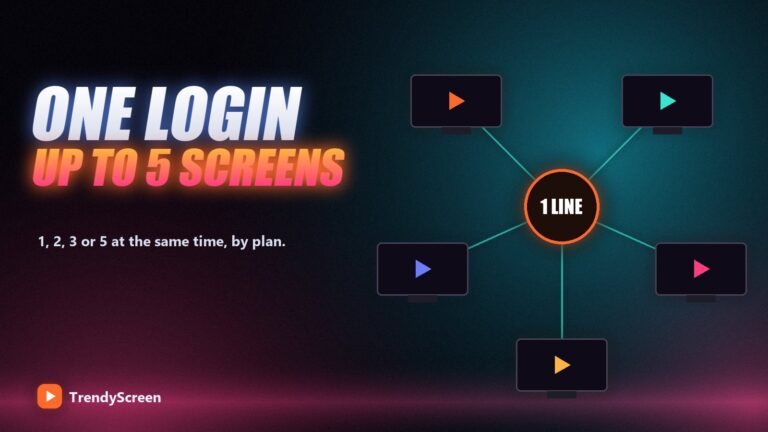
How Many Devices Can Use One IPTV Subscription? Connections Explained
Installs are unlimited, simultaneous streams are not. What an IPTV "connection" really counts, what happens when you go over, and…
Read more →
Watch Live Sports Anywhere With TrendyScreen: The Complete Match-Day Guide
Football, NFL, NBA, UFC and F1 from any country, on any screen. The match-day checklist, the best box for sport,…
Read more →